
Before the final purchase of our Tayana 37, we hired an experienced surveyor to survey her inside and out. Just like when buying a house, we wanted to know of any potential problems that would need to be addressed or that could help in adjusting the purchase price.
We were aware from the start that most of the electronics onboard were more than 10 years old and that we would likely need to replace and upgrade some of them. During the survey, we discovered that many of the electronics did not function at all—the wind instrument, depth sounder, speed log, SSB radio, autopilot display, amongst other instruments.
There was a slight suspicion that the boat had been affected by an indirect lightning strike, but without visible proof it was uncertain. Regardless, the needed replacement of the electronics influenced the final purchase price.

After negotiating with the owner, a few large gulps and a few signatures, the purchase was finalized and a date of transfer was set.
Before we traveled back to Grenada to wait for the date of transfer, we hired a Raymarine dealer in Trinidad to order and install new instruments. The installation was planned to be completed before we took official ownership of our beautiful little sailboat, but if you know anything about boats you know that things rarely go as planned…
Regardless, the instruments were eventually installed. Looking back, we would have chosen to simply order the instruments and install them ourselves once we were back in Trinidad. Hindsight is 20/20.
Let’s share some information on the various electronics we have installed on Soltara thus far:
Raymarine Electronics
Wind Instrument/Combination Depth & Speed display + Windex and new wire from the top of the mast
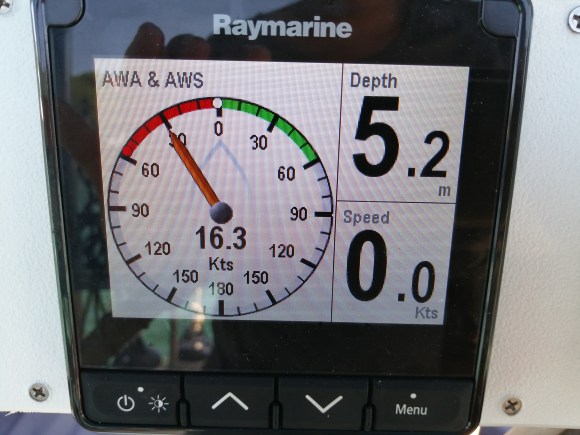
Speed log

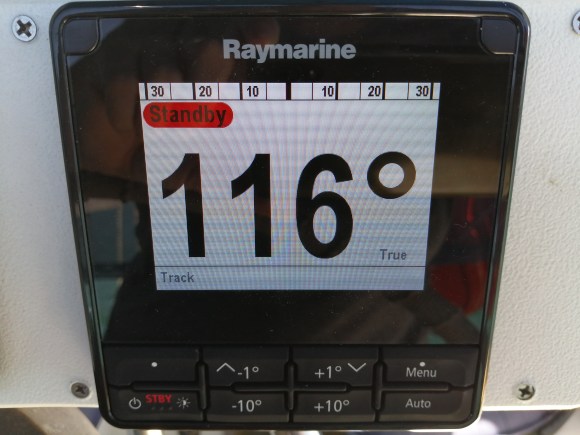
Auto Pilot ACU 200
Communications
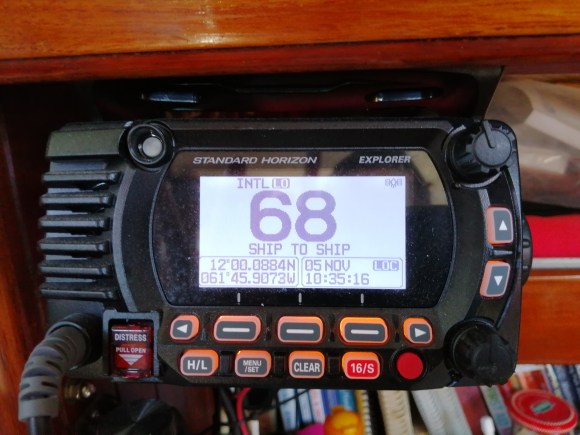
VHF Radio
After taking possession of the boat, we eventually discovered that while the VHF was operational, it was faulty. At times the transmission received was weak and when we transmitted we received a “low power” warning. In addition to that, the VHF would not connect to the GPS satellite. After a lot of troubleshooting, it seemed that the radio itself was the problem.
We decided to replace the VHF with a Standard Horizon VHF Radio and have been very happy with it so far. We also carry 2 handheld VHF radios.
SSB?
Initially, we were very excited about the iCOM SSB radio onboard. We had always wanted an SSB on our catamaran, but the budget never allowed. The previous owner did disclose that he had not used the SSB in quite some time, and that it was not working. But we still maintained hope that it was reparable.
After having two qualified people examine the radio, we came to the disappointing realization that it was dead and irreparable. We still had our Satellite phone to use for weather reports and route tracking while on passage, but later on we would upgrade this to…
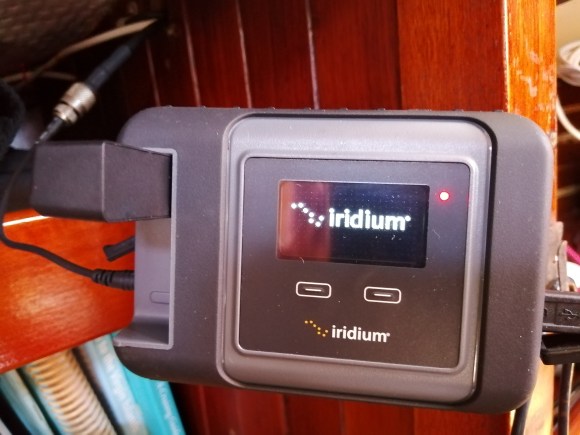
Iridium Go!
When sailors talk about satellite devices, the Iridium Go! seems to be the one everyone either recommends or has on their wish list. The Go! is a small device that works much like a wireless router, connecting your devices to satellite signal.
We are able to receive weather reports, short emails and text messages, track our route for family and friends to view, and we have a limited number of calling minutes.
You can purchase an Iridium Go! through many different sources. We chose to go through OCENS as we have used their services in the past and have always been very satisfied.
The system is still very new to us, but so far we think we will be happy with it. We also still have our old satellite phone for a backup.
Bad Boy
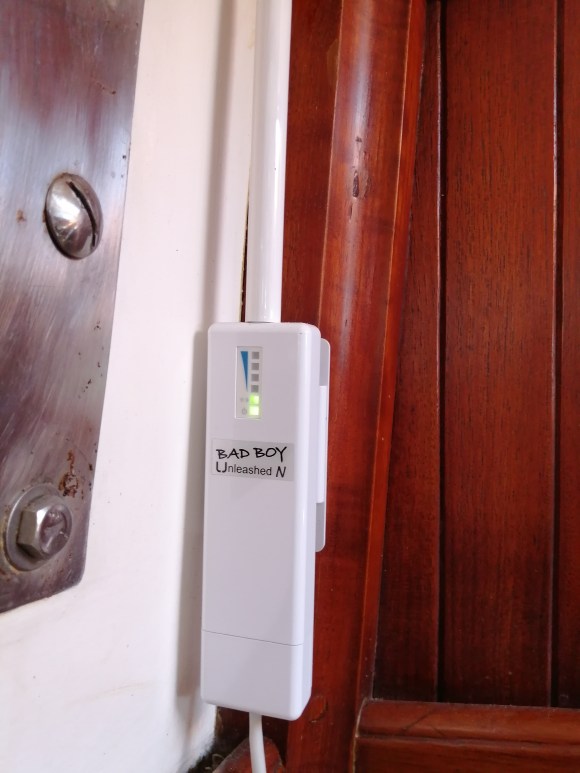
We love our Bad Boy!
No, this post isn’t taking a sharp turn left…
The Bad Boy is a WiFi extender and router system that we use to pick up WiFi signals on shore. Depending on where we are anchored, we can sometimes have fast, flawless WiFi signal or excruciatingly slow dial-up speed signal. Either way, it’s great for emails and occasional internet browsing from the boat.
Navigation
GPS Chartplotter & AIS
The Garmin GPS unit that came with the boat functioned, but because of age the screen was discolored and faded. We already had a Standard Horizon Chart Plotter CPN700i on our catamaran that we purchased several years earlier. The system was familiar and we had been very satisfied, so we swapped the GPS instruments and installed the Standard Horizon on Soltara.
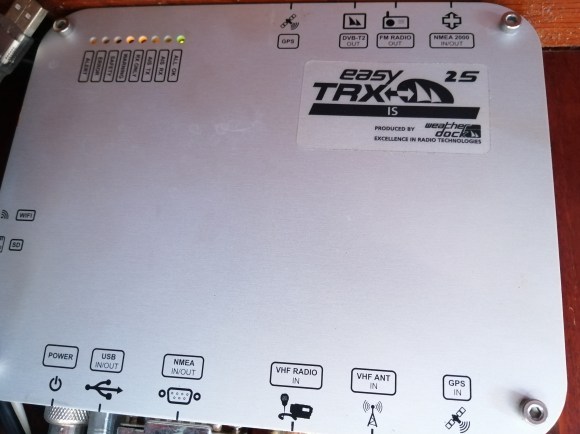
It is securely installed at the chart table, down below, successfully connected to the VHF radio and an Easy TRX Transponder (AIS).
Why would someone install the chartplotter inside the boat, rather than outside at the helm?
Several years earlier, when the old chartplotter on our catamaran gave up to the ghost, we observed that it was weathered from being out in the elements. We believed that this shortened the life of the chartplotter, and when we purchased our new Standard Horizon we decided to mount it inside the boat.
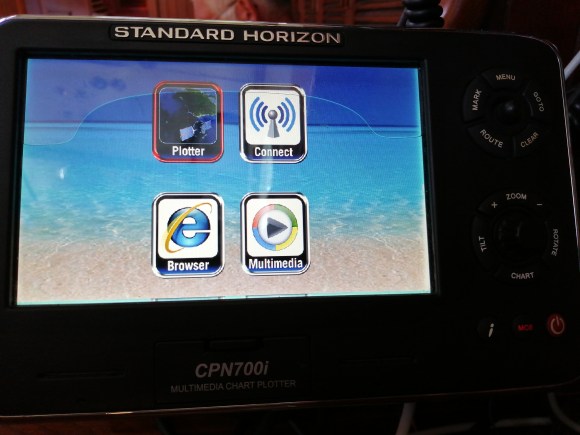
Not only did moving the chartplotter inside seem to prolong the life of the instrument, but we also found that it made sailing much more fun.
Rather than staring at a screen all the time, we focused on the compass course. During night sails, it was easier to see when we didn’t have the glow of the screen in our face.
Tablet/Navionics
When we are navigating close to shore or into a harbor/anchorage we have charts on a Samsung tablet that we use in the cockpit. This is also handy, as it provides redundancy if our chartplotter ever conks out on us.
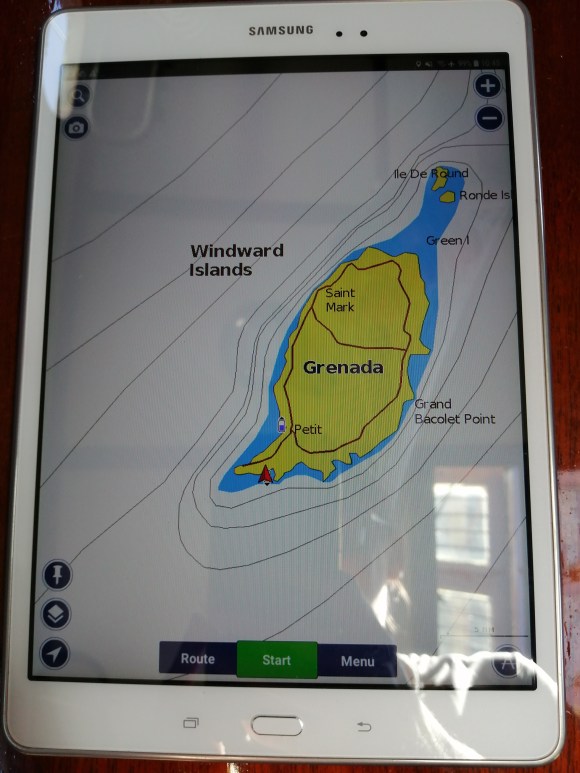
We have also installed a duel port USB outlet in the cockpit so we can charge our tablet if needed while in use.
Open CPN/Laptop
Because you can never have too much redundancy on a sailboat, we also use Open CPN charts on a laptop. We simply plug in a USB GPS device to the laptop and it works like our chartplotter.
Since we have two laptops, Open CPN is installed on our second laptop as a backup. No such thing as too much redundancy!
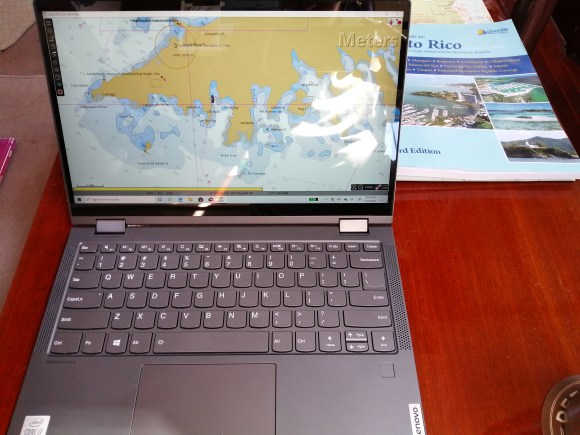
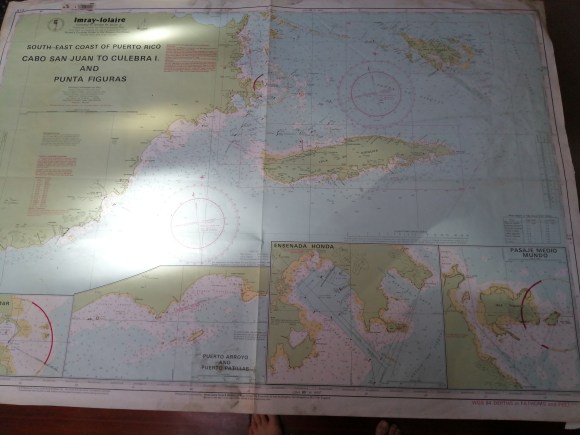
This post sums up our instruments onboard for those of you who may have been curious. While we have many different electronic forms of charts and location devices, we still also carry paper charts and update a log book with our location, course, and speed.
In our next post, we will go through our upgrades to the battery bank and how we generate power onboard Soltara. Hint: this was one of our most extensive upgrades, as this little double-ender was not set up for off-grid sailing when we found her.
 Adventures of SV Soltara
2 replies on “Electronic Upgrades”
Looks like you’ve had a nice fresh start to rebuild the electronics to your preferences, based on what you liked from your catamaran. In reference to chart plotter location: Our boat came with the “main” plotter located at the companionway instead of at the helm. We found this location allows viewing from anywhere in the cockpit, and also in a convenient spot during bad weather and night watches under the dodger. I assume you can see yours from the companionway. Also like you, we use a tablet for any special conditions at the helm or watching radar down below! Thanks for sharing and looking forward to more updates!
LikeLiked by 1 person
Hi Chris! Thanks for stopping by and leaving a comment. Yes, we are able to view our chartplotter from the cockpit. That wasn’t the case on our catamaran, we had to actually go inside to view to plotter. Also, because our nav table is so visible from the cockpit, we would also have a clear line of sight down to the laptop/Open CPN if we were using that.
LikeLiked by 1 person